
Privacy-first vehicle contact
SudoTag.
Park freely.
Stay private.
When someone needs to reach you, they scan your QR — you get the alert, they never see your phone number.
- Number stays hidden
- Instant owner alert
- Notify · Chat · Call

Scan QR
One scan for everything — notify an owner or activate a new SudoTag.
Scan or upload a SudoTag QR — active tags open notify; new tags open activation.
Scan or upload the number plate — auto-detect fills the registration.
Choose how to scan
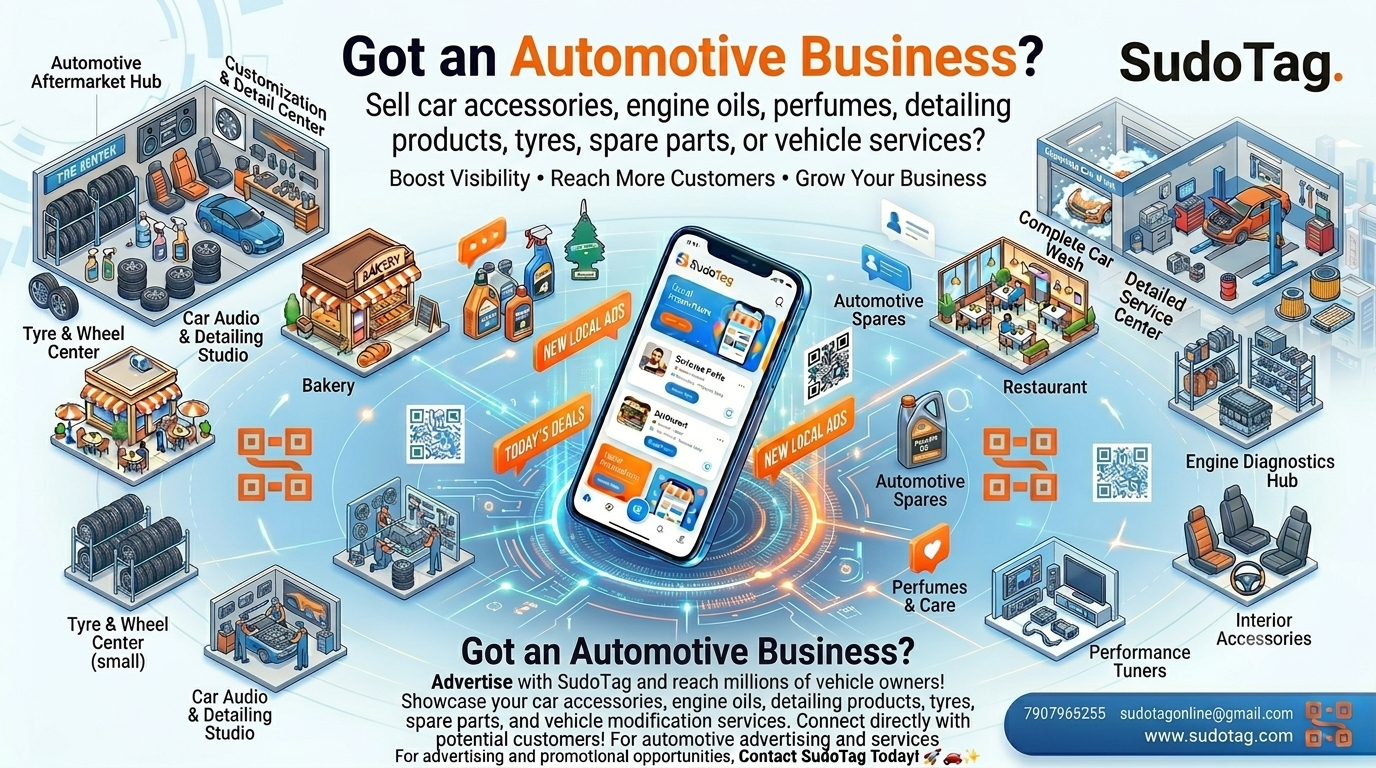
Advertisement
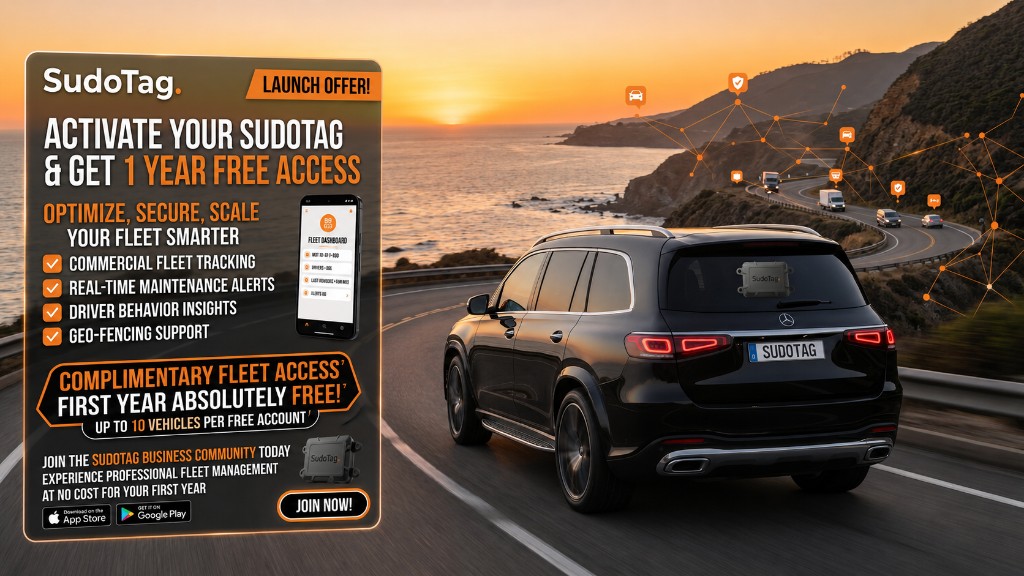
Discover the latest offers and updates from SudoTag

About SudoTag
SudoTag is a smart vehicle identification and private communication platform. Physical QR tags connect scanners to owners—without exposing personal phone numbers.
- Scan a SudoTag or plate to notify, chat, SMS, or call the owner privately.
- Owners manage vehicles, documents, family access, Live Status, and Lost Mode in the app.
- Activate on web or in-app, order tags online, and stay protected with privacy-first channels.
Available on Google Play and the App Store. Use the website to find a vehicle, activate a new QR, or buy a SudoTag—then manage everything from the mobile app.

Private scan-to-contact
Scan a SudoTag QR or plate on web or in-app to reach the owner—without revealing anyone’s personal number.
Owner privacy & Live Status
Control push, chat, SMS, and voice channels. Show Available, Busy, Driving, Do Not Disturb, and more.
Lost Mode recovery
Enable Lost Mode per vehicle. Community tips and location sharing help you recover faster.
Masked chat, SMS & voice
Communicate through SudoTag channels—chat, templated SMS, and routed voice—with emergency options when needed.
Features
Everything in the SudoTag app & web
Private QR contact
Anyone can scan your SudoTag to reach you privately—without seeing your phone number.
Scan QR / plate
One scan: notify an active owner, or activate a new SudoTag. Plate lookup works too.
Multi-vehicle garage
Add and manage multiple vehicles from one account—cars, bikes, and more.
Document locker
Store RC, insurance, PUC, and other vehicle docs securely in the app.
Family / temp assign
Share access with family or temporarily assign a vehicle when someone else is driving.
Lost Mode + tips
Mark a vehicle lost, collect community tips, and get location when someone notifies you.
Chat / SMS / masked call
Talk through masked chat, SMS templates, and routed voice—numbers stay private.
Live Status + privacy
Set Available, Busy, Driving, or Do Not Disturb. Control which channels reach you.
Sudo AI toolkit
Get AI-assisted help for vehicle questions, reminders, and day-to-day ownership tasks.
Refer & Earn
Invite friends from the app and earn rewards when they join SudoTag.

Get Started with SudoTag Today
Order a SudoTag, activate it on web or in-app, and protect your vehicle with private scan-to-contact. Download the app to manage vehicles, Lost Mode, documents, and more.

Private contact for every vehicle
SudoTag connects scanners to owners through private QR contact—notify, chat, SMS, and masked calls—while you manage vehicles, documents, and Lost Mode in the app.
Happy Users trusted our app
Issues Resolved with SudoTag's platform
Support Hours provided to our users
Team Members dedicated to innovation
How SudoTag Works
One QR code. Smart, secure vehicle communication.
Scan • Connect • Protect
Smart Vehicle Identification Platform
Activate your tag, get private notifications when someone scans, enable Lost Mode when needed, and keep docs and family access in one place.
- Activate a SudoTag on web or in-app
- Private notify, chat, SMS & masked call
- Lost Mode with community tips & location
- Document locker & family / temp assign

Feedback
What SudoTag customers are saying
Loading feedback…
No feedback available yet.
Unable to load feedback right now. Please try again later.

hanenen
05 Aug 2026
sudo tag is excellent
Sudotag
05 Aug 2026
Excellent app for every vehicle owner! Smart QR, secure communication, timely reminders, and an easy-to-use interface. SudoTag makes vehicle management simple and stress-free.
Share your feedback
Your review is submitted for approval before it appears here.
FAQ
Frequently Asked Questions
Use Scan QR on this site (or the app). Scan your new sticker—if it is not activated yet, we open the activation form. Link it to your vehicle and you’re ready for private scan-to-contact.
No. Scanners contact you through SudoTag’s private channels—notify, chat, SMS, or masked call—without your personal number being shown.
Use Scan QR: enter a plate or scan a QR. Active tags open notify; new tags open activation—all from the same scan.
Lost Mode marks a vehicle as missing in the app. When someone notifies you, you can receive tips and location to help recover it faster.
Tap Buy Now to order official SudoTag QR stickers. After delivery, activate the tag on web or in the app and start using it.
Message us on WhatsApp from the Contact section, reach support in the app, or email sudotagonline@gmail.com.
Contact
Connect with Us